
How to Organize Remote Controls Without the Daily Clutter
how to organize remote controls easily usually comes down to two things: deciding where remotes are allowed to live, and making “putting them back” faster than leaving them on the couch.
If your coffee table looks like a remote-control parking lot, you are not alone, most living rooms end up with a TV remote, a streaming stick remote, a soundbar remote, maybe a game controller, plus a spare that nobody admits they use.
The good news, you do not need a full home makeover. A small system that matches how you actually watch TV beats a perfect-looking setup you will not maintain.
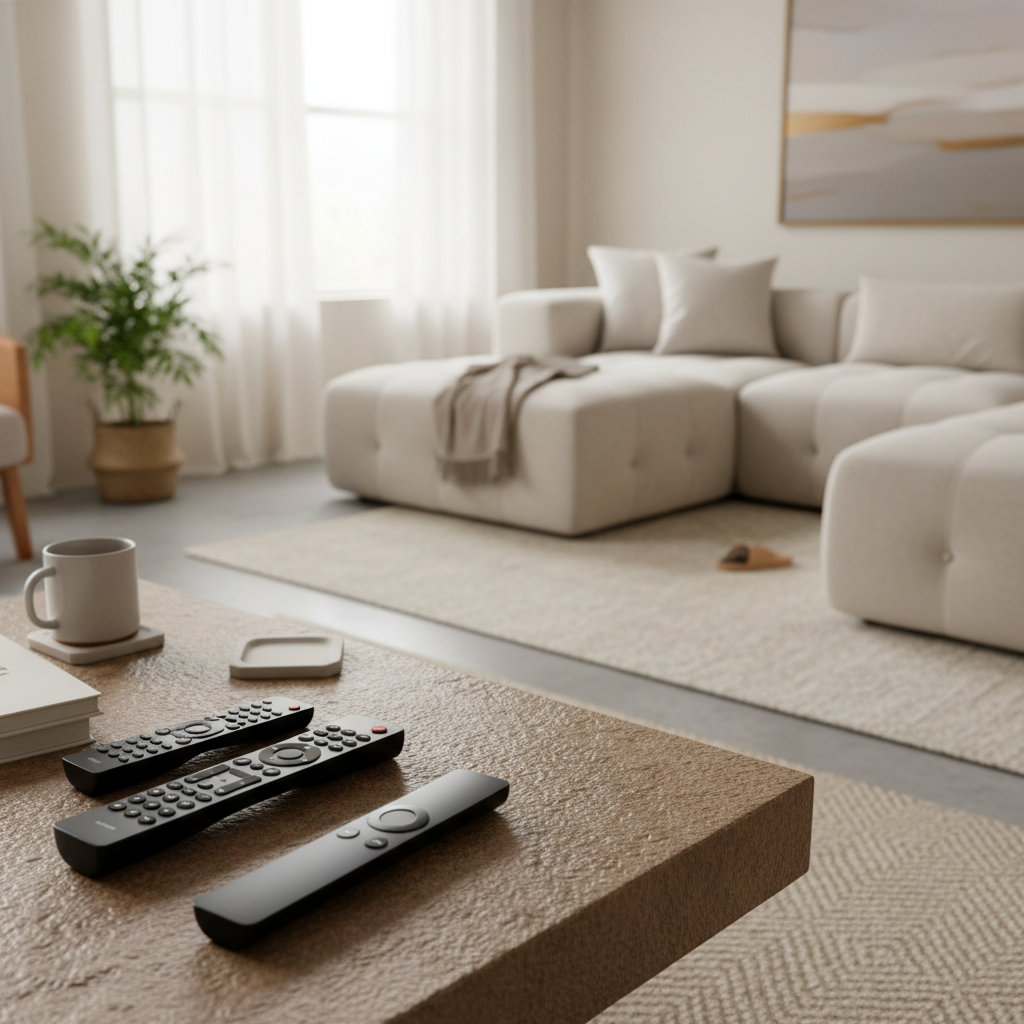
Below is a practical way to sort what you have, choose a storage option that fits your habits, and keep remotes findable even when other people live in the house.
Why remotes get messy in the first place
Most “remote chaos” is not about being disorganized, it is about friction. When the easiest place to drop a remote is the couch cushion, that is where it ends up.
- Too many devices, too little clarity: TV, Roku/Apple TV/Fire TV, cable box, soundbar, Blu-ray, game console, each adds a controller.
- No assigned home base: if there is no obvious landing spot, remotes migrate to wherever people last used them.
- Multiple watchers, multiple habits: kids, roommates, guests, everyone “helps” by putting remotes in a different place.
- Battery doors and buttons: slippery remotes fall into cracks, then the hunt starts again.
Once you see it as a systems problem, how to organize remote controls easily becomes much less about willpower and more about setup.
Quick self-check: what kind of remote situation do you have?
Pick the closest match, it will tell you which solution works best.
- Minimal set: 1–2 remotes, mostly streaming, clutter is occasional.
- Standard living room: 3–5 remotes, TV + streaming + audio, daily clutter.
- Entertainment-heavy: 6+ controllers, gaming, multiple inputs, frequent “where is it” moments.
- Shared household: you can organize today, it falls apart by weekend.
Also answer this honestly: do you grab the remote from the table, from the couch, or from a drawer? Your system should match that first instinct.
Pick a “home base” that fits your room (with a simple comparison table)
A home base is one default spot where remotes return. If you only do one thing, do this.
| Storage option | Best for | Pros | Watch-outs |
|---|---|---|---|
| Tray or shallow catchall | 1–3 remotes, clean look | Fast drop-in, looks intentional | Easy to overfill with random items |
| Remote caddy / organizer | 3–6 remotes, mixed devices | Keeps each remote upright, easier to see | Can look busy if oversized |
| Side-table drawer + divider | “I want it hidden” homes | Visual calm, good for small spaces | People forget the drawer exists |
| Sofa armrest organizer | Remotes always lost in cushions | Closest to where you use them | Not every sofa style works |
| Wall-mounted pocket | Tight rooms, kid-friendly zones | Off the table, hard to misplace | Needs careful placement and mounting |
In many homes, the simplest answer to how to organize remote controls easily is a small caddy placed where your hand naturally reaches when you sit down.
Set up a remote “zone” in 10 minutes
This is the part people skip because it feels basic, but it is where the system becomes automatic.
- Choose one spot: coffee table corner, side table, or the armrest area, not “anywhere near the TV.”
- Remove non-remote clutter: coasters and one pen are fine, mail and toys are not.
- Limit the zone size: small zone forces decisions, big zones invite piles.
- Make it visible: if it is hidden in a deep drawer, many people will default back to the couch.
According to U.S. Consumer Product Safety Commission (CPSC), button cell batteries can be hazardous if swallowed, so if any of your remotes use coin batteries, store them out of reach of small children and keep battery doors secure.
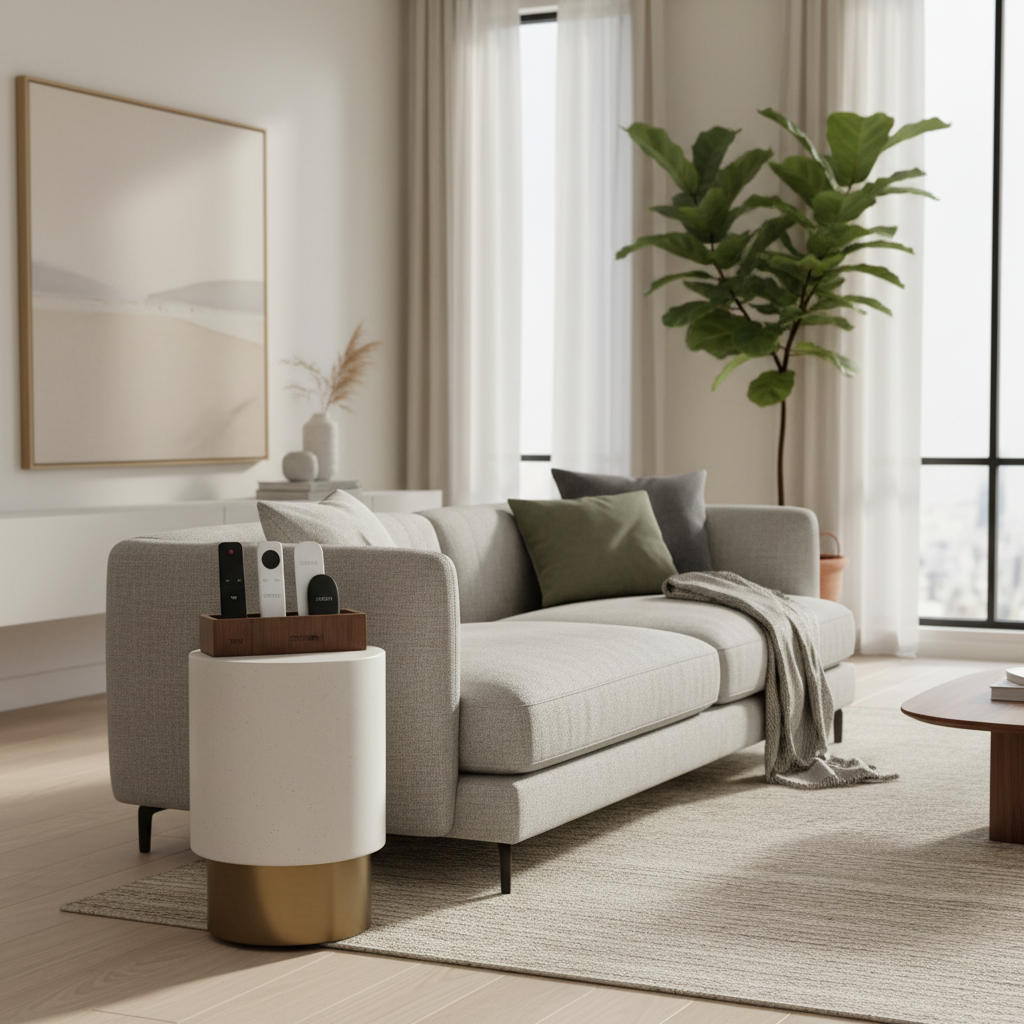
If you have a household where things “wander,” place the zone slightly closer than the most common drop spot. People follow convenience, not instructions.
Labeling and simplifying: fewer remotes, less thinking
If you are trying to figure out how to organize remote controls easily but you still have five remotes that look alike, organization will feel fragile. Make identification instant.
Low-effort labels that actually work
- Small sticker on the back: “TV,” “Sound,” “Roku,” “Console.” Back labels keep the front clean.
- Color bands: a thin colored tape ring near the bottom, one color per device.
- Glow dot: useful if you watch at night and remotes blend into dark furniture.
Reduce duplicates where it makes sense
- Use HDMI-CEC when it behaves: many TVs can control basic playback and power over HDMI, though compatibility varies by brand and device.
- Consider a universal remote: helpful for “standard living room” setups, but expect a setup step and occasional quirks.
- Retire what you do not use: if a remote is for a device that is unplugged, move it to a labeled bin, not the TV area.
Be picky here, simplifying beats buying more organizers.
Prevent the “couch eats the remote” problem
This is where many systems fail. If remotes slide into cushions, you will keep losing them no matter how nice your storage looks.
- Add a physical barrier: a tray with a lip, a small basket, or a caddy that stays put.
- Use a sofa-side organizer: if people naturally set remotes on the arm, give them a pocket.
- Create a “no remote on the seat” rule: not a lecture, just a simple habit, remotes go on the table or in the pocket.
- Attach a wrist strap: for gaming or larger remotes, it reduces drops and falls.
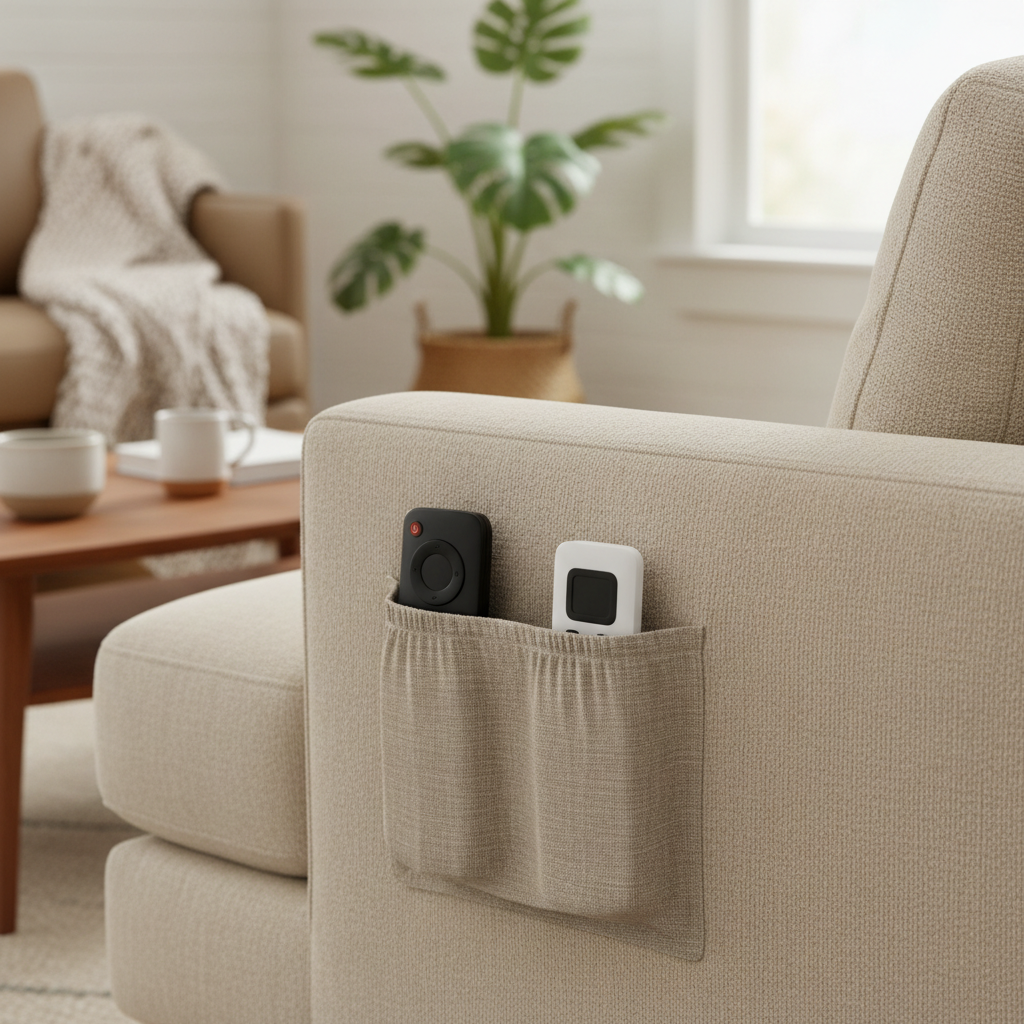
If you have pets that jump on the couch, go with a pocket or a caddy that has deeper compartments, light trays can tip.
Maintain the system: a quick reset that does not feel like chores
Organization that depends on motivation tends to fade. Use a tiny reset that fits your routine.
- One-minute nightly reset: when you turn off the TV, return all remotes to the home base, every time.
- Battery mini-kit: store spare batteries near the remote zone, in a child-safe container, so “dead remote” does not turn into a rummage session.
- Monthly audit: remove random items that creep into the remote spot, the zone is not a junk drawer.
Key takeaways: one home base, fast identification, and a system that beats the couch in convenience. That is the real recipe behind how to organize remote controls easily.
When you may want extra help or a different approach
If remote clutter is part of a bigger pattern, like constant misplacing of essential items, it may help to adjust the environment more aggressively: fewer items out, clearer labels, and consistent drop zones in each room.
If you are setting up a space for someone with accessibility needs, consider larger-button remotes, voice control, or a simplified universal remote, and if you are unsure what is appropriate, it is reasonable to consult an occupational therapist or a qualified home accessibility professional.
Conclusion: make “put it back” the easiest option
You do not need a complicated system to keep remotes under control. Pick one home base people can see, make remotes easy to tell apart, and block the couch from becoming storage.
If you want a simple next step, choose a caddy or tray today and set it where your hand naturally lands when you sit down, then do a one-minute reset for the next week to lock the habit in.
FAQ
What is the easiest way to store multiple remotes on a coffee table?
A small tray with a lip or a compact remote caddy usually works well, it sets a boundary so remotes do not spread into a pile with snacks, mail, and toys.
How many remotes should I keep in the living room?
Keep the ones you use weekly. Anything tied to an unplugged device can go into a labeled bin in a closet, you can always bring it back if your setup changes.
Do universal remotes really reduce clutter?
Often yes, but not always. They help most when your household is juggling TV, audio, and a streaming device, but setup and compatibility can be finicky depending on brands.
How do I stop my kids from losing the remote controls?
Give remotes a visible home base and make it easy to return them, like a wall pocket or side-table caddy. If button batteries are involved, store and secure remotes out of reach.
Where should I put remotes if I hate visual clutter?
A side-table drawer with a simple divider is a good compromise. The trick is consistency, a drawer works only if everyone knows it is the default parking spot.
How can I find remotes faster when they go missing?
Start with the “drop path” areas: couch cushions, under throw blankets, between the sofa and side table. Then tighten the system by adding a sofa pocket or a deeper caddy.
Is it safe to store spare batteries near the TV?
It can be, as long as batteries are in a child-resistant container and kept out of reach of kids and pets. If you have any doubt about safety in your home, consider a higher shelf or locked drawer.
If you are trying to organize a busy living room and you would rather not experiment with three different storage styles, a simple test is to pick one home base for a week, then adjust the location or container based on where remotes still “escape.”